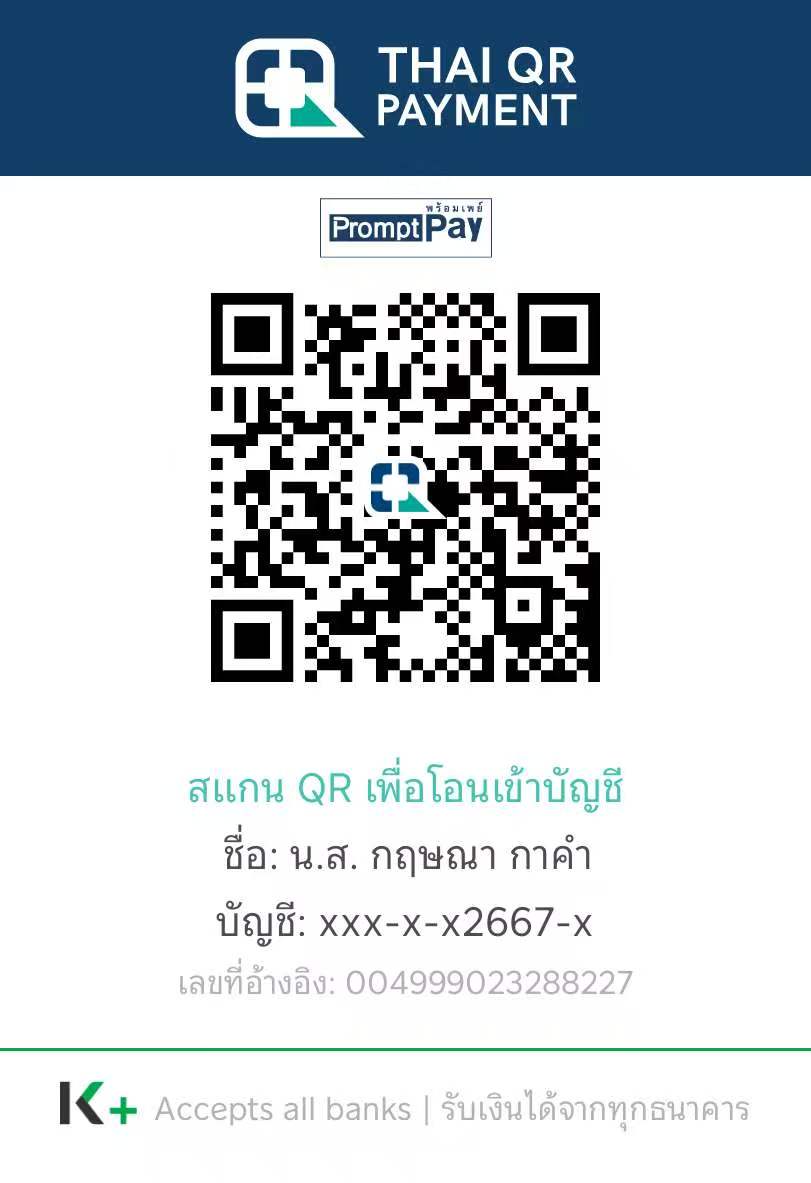
Payment / Consent
Collect payment proof before the next step
Use a temporary QR payment flow, then record PDPA and policy acceptance before manual review and release.
Open PaymentBuilt for operator delivery, QR entry, and LINE-ready mobile experience. Keep entry pages professional, keep service warm, and keep reports in the separate result domain.
Use gradient, glass, and motion, but keep business pages efficient and mobile-safe.
Borrow structure from your AI site, but borrow emotional tone from the sample service store.
Keep line for collection and entry only. Let the separate ulike result domain handle report rendering and history.
Use a temporary QR payment flow, then record PDPA and policy acceptance before manual review and release.
Open PaymentThe homepage should guide users and operators clearly: register first, repair when needed, and keep future bank or verification capability visible but controlled. Report rendering stays on the separate result domain.

Parse QR parameters, validate required data, and submit registration through a clean mobile form.
Open Register
Use a dedicated page for the future strict schema and avoid burying repair in legacy extra fields forever.
Open Repair
Reserve the surface now so operators can see the roadmap, but keep real integration behind a future configuration switch.
Enter through QR or direct mobile link.
Provide registration or repair details in a lightweight form.
Send validated data to your FastAPI endpoints.
Proceed to later result or verification flows through the proper domain and backend sequence.